





Top Android Apps for Productivity – Ultimate Guide 2026
Discover the top Android apps for productivity in 2026. Detailed reviews, features, tips, and strategies to boost efficiency, organization, and workflow on your smartphone.


Top Android Apps for Productivity – Ultimate Guide 2026
In 2026, productivity has shifted increasingly to mobile devices, and Android smartphones play a crucial role in keeping our personal and professional lives organized. From managing tasks to taking notes, collaborating with teams, or tracking habits, Android apps for productivity offer endless possibilities to maximize efficiency.
In this ultimate guide, we explore the best Android apps for productivity, their features, advantages, and practical strategies to use them effectively. Whether you are a student, freelancer, or professional, this guide will help you choose the right tools for your workflow.
1. Todoist – Task Management Made Simple
Overview:
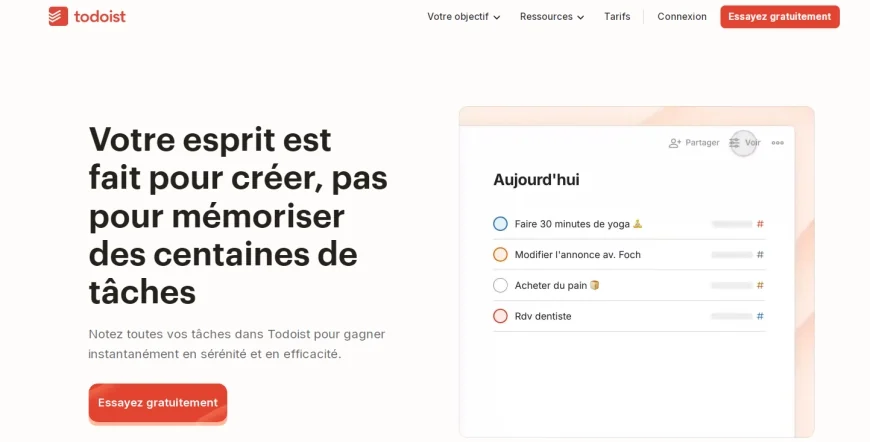
Todoist is a leading task management app that helps users organize tasks, projects, and deadlines efficiently.
Key Features:
-
Create tasks, subtasks, and recurring tasks
-
Project categorization with labels and priorities
-
Collaboration with team members
-
Integration with Gmail, Google Calendar, Slack, and more
Why It’s Great:
Todoist’s intuitive interface and powerful project management features make it ideal for both individuals and teams. Its productivity tracking through Karma points motivates users to stay consistent.
Pro Tips:
-
Use labels and filters to focus on high-priority tasks
-
Integrate Todoist with your calendar for real-time scheduling
-
Set up recurring tasks for daily habits
2. Notion – All-in-One Workspace
Overview:
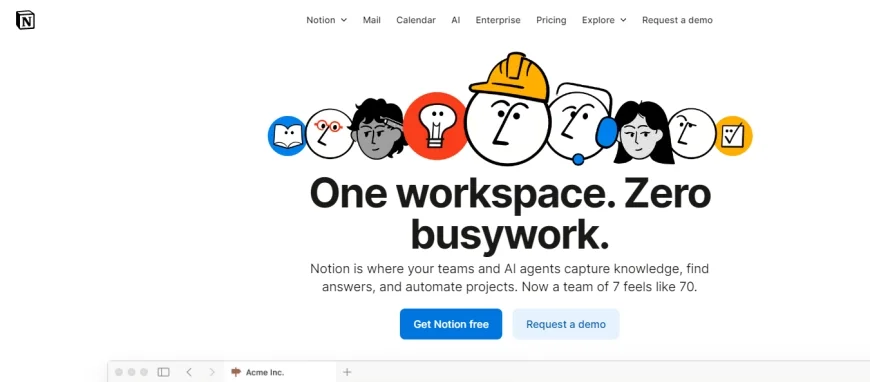
Notion is a versatile productivity app that combines note-taking, databases, task management, and collaboration in a single platform.
Key Features:
-
Customizable pages and templates
-
Rich media support (images, videos, tables, code)
-
Collaborative editing and sharing
-
Integration with Google Drive, Slack, and Trello
Why It’s Great:
Notion is perfect for building a personalized productivity system. You can create your own dashboards, knowledge bases, or project management boards, all in one app.
Pro Tips:
-
Use templates for daily planning and project tracking
-
Leverage databases to track tasks, goals, or reading lists
-
Sync across devices to access your workspace anywhere
3. Microsoft To Do – Simple and Efficient
Overview:
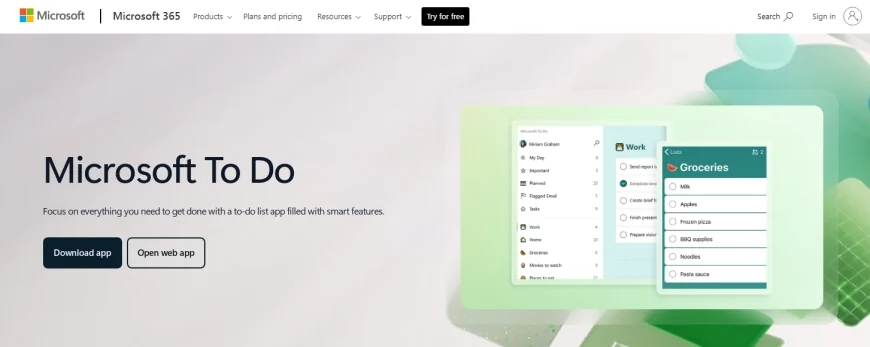
Microsoft To Do is a lightweight task manager that integrates seamlessly with the Microsoft ecosystem.
Key Features:
-
Task lists with due dates and reminders
-
My Day feature for daily prioritization
-
Collaboration and task sharing
-
Sync with Outlook and Microsoft 365
Why It’s Great:
If you are already using Microsoft tools, To Do enhances productivity without switching apps. Its simplicity keeps users focused on essential tasks.
Pro Tips:
-
Start each day with “My Day” to prioritize tasks
-
Use recurring tasks to manage daily routines
-
Combine with Outlook tasks for work efficiency
4. Evernote – Notes and Knowledge Management
Overview :
Evernote is one of the most popular note-taking apps, providing a powerful platform for capturing ideas, documents, and multimedia.
Key Features:
-
Rich text notes with images, audio, and attachments
-
Notebooks and tags for organization
-
Web clipper to save online content
-
Collaboration and sharing
Why It’s Great:
Evernote allows users to store all important information in one place and access it from multiple devices. It’s perfect for students, writers, and professionals.
Pro Tips:
-
Tag notes for quick retrieval
-
Use the web clipper for research and inspiration
-
Record audio notes during meetings for efficiency
5. Google Keep – Quick Notes on the Go
Overview:
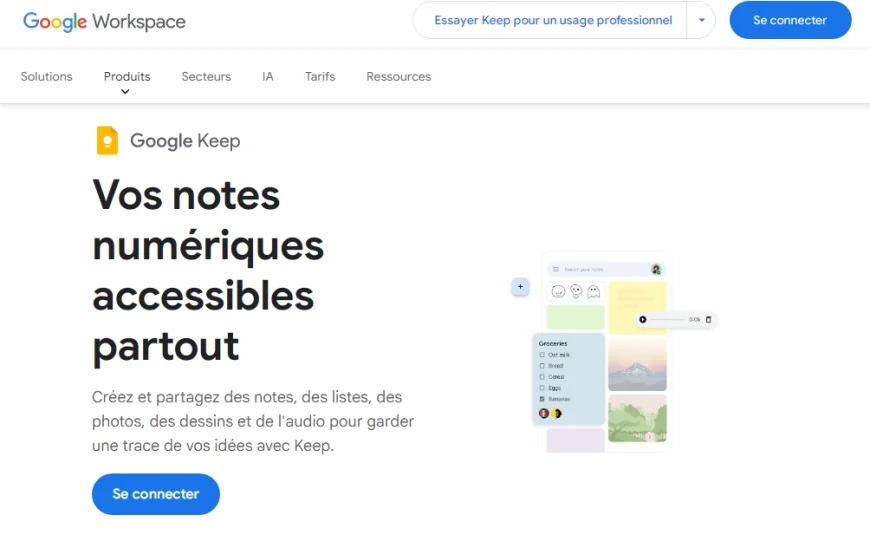
Google Keep is ideal for fast note-taking and reminders. Its simple design focuses on speed and accessibility.
Key Features:
-
Color-coded notes and labels
-
Voice notes and image-based notes
-
Location-based reminders
-
Integration with Google Docs and Calendar
Why It’s Great:
Google Keep’s simplicity and integration with Google services make it a quick and practical productivity tool for busy users.
Pro Tips:
-
Use color-coding to differentiate types of notes
-
Set location-based reminders for tasks
-
Sync with Google Workspace for seamless workflow
6. Trello – Visual Project Management
Overview:
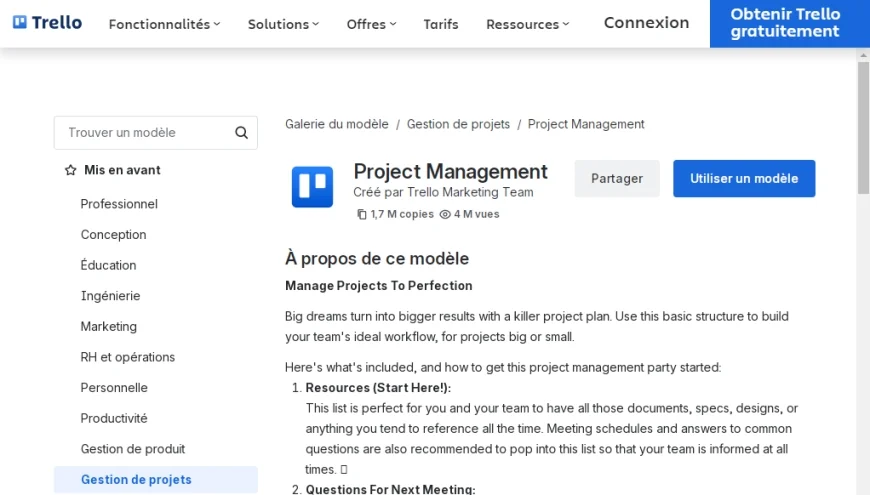
Trello uses a Kanban-style board for managing projects, making it easy to visualize tasks and workflow.
Key Features:
-
Boards, lists, and cards for task organization
-
Drag-and-drop interface
-
Collaboration with comments and file attachments
-
Power-ups for integrations (Slack, Google Drive, Zoom)
Why It’s Great:
Trello provides a clear visual overview of projects, making it perfect for teams or solo users who like structured workflows.
Pro Tips:
-
Create boards for personal and professional projects separately
-
Use labels and due dates for quick tracking
-
Enable automation with Butler to save time
7. Forest – Stay Focused and Avoid Distractions
Overview:
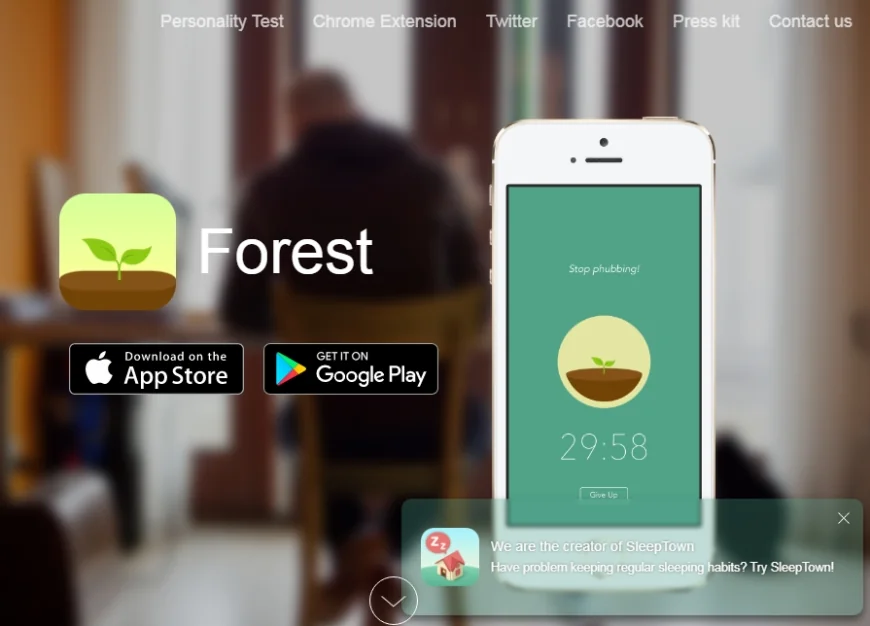
Forest is a unique app that encourages focus by gamifying productivity. You grow a virtual tree when you stay off your phone.
Key Features:
-
Gamified focus sessions
-
Track focus time and habits
-
Plant virtual forests to visualize productivity
-
Optional real trees planted in real life
Why It’s Great:
Forest helps users avoid distractions, improve focus, and build positive habits. Its visual reward system is motivating and effective.
Pro Tips:
-
Set daily goals for focused work sessions
-
Combine with other task apps like Todoist for maximum productivity
-
Review your productivity forest weekly for motivation
8. Slack – Team Communication and Collaboration
Overview:
Slack is a communication platform that organizes messages, files, and projects for teams.
Key Features:
-
Channels for different projects
-
Direct messaging and group chats
-
File sharing and integrations (Google Drive, Trello, Zoom)
-
Searchable message history
Why It’s Great:
Slack reduces email overload and keeps team communication organized. Its mobile app ensures productivity on the go.
Pro Tips:
-
Create dedicated channels for projects or departments
-
Use reminders and pins to keep important info accessible
-
Integrate productivity tools for streamlined workflow
9. RescueTime – Track and Improve Productivity
Overview:
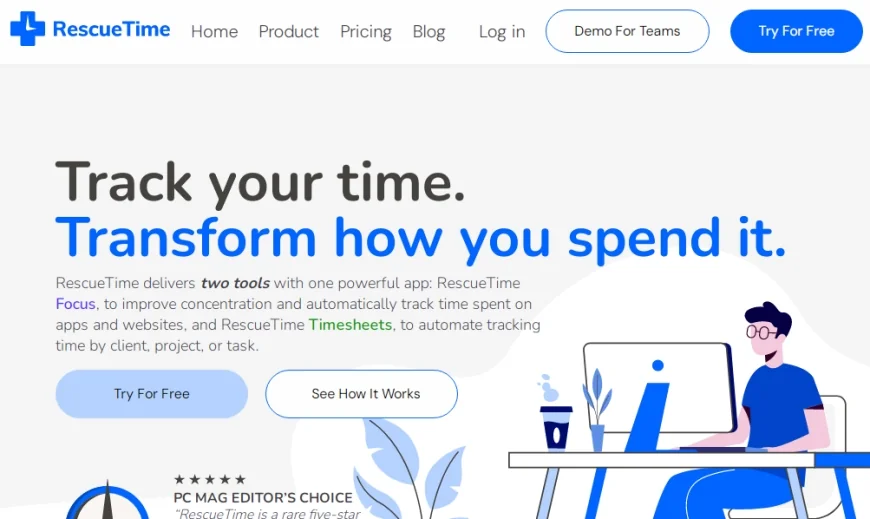
RescueTime monitors your smartphone and app usage, providing detailed insights to improve focus and efficiency.
Key Features:
-
Automatic activity tracking
-
Detailed weekly and daily reports
-
Goals and alerts for focused work
-
FocusTime mode to block distractions
Why It’s Great:
RescueTime helps you understand where your time goes, allowing for informed decisions to optimize workflow.
Pro Tips:
-
Set weekly productivity goals
-
Analyze app usage patterns and adjust habits
-
Use FocusTime sessions to block distracting apps during work hours
10. Asana – Project and Task Management for Teams
Overview:
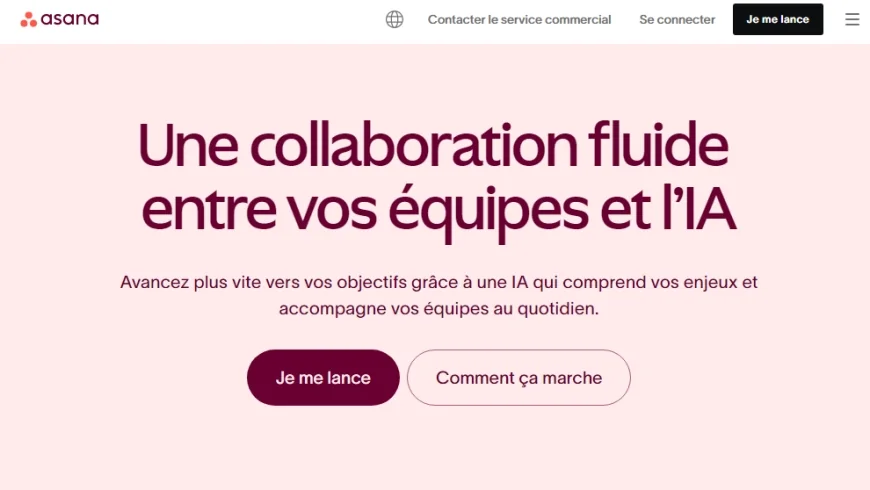
Asana is a comprehensive task and project management tool designed for teams but also effective for individual use.
Key Features:
-
Tasks, subtasks, and milestones
-
Timeline view and calendar integration
-
Team collaboration and file sharing
-
Custom templates and automation rules
Why It’s Great:
Asana provides structure to complex projects, improving accountability and visibility across teams.
Pro Tips:
-
Use templates for recurring project types
-
Assign tasks with deadlines and priorities
-
Combine with Slack or email for notifications
Additional Productivity Strategies for Android Users
-
Consolidate Apps: Use all-in-one apps like Notion to reduce app switching.
-
Automate Tasks: Use automation apps like IFTTT or Tasker to save time.
-
Set Priorities: Combine task management apps with time-blocking strategies.
-
Regular Reviews: Weekly review of tasks and notes ensures nothing is missed.
-
Limit Notifications: Reduce distractions to maintain focus.
Conclusion
Android apps for productivity in 2026 provide powerful tools to organize your tasks, manage projects, track habits, and collaborate with others. By carefully selecting the apps that fit your workflow and combining them with effective strategies, you can boost your efficiency, reduce stress, and maximize your time.
Start integrating these apps today, experiment with combinations, and build a personalized productivity system that keeps you focused, organized, and motivated.


